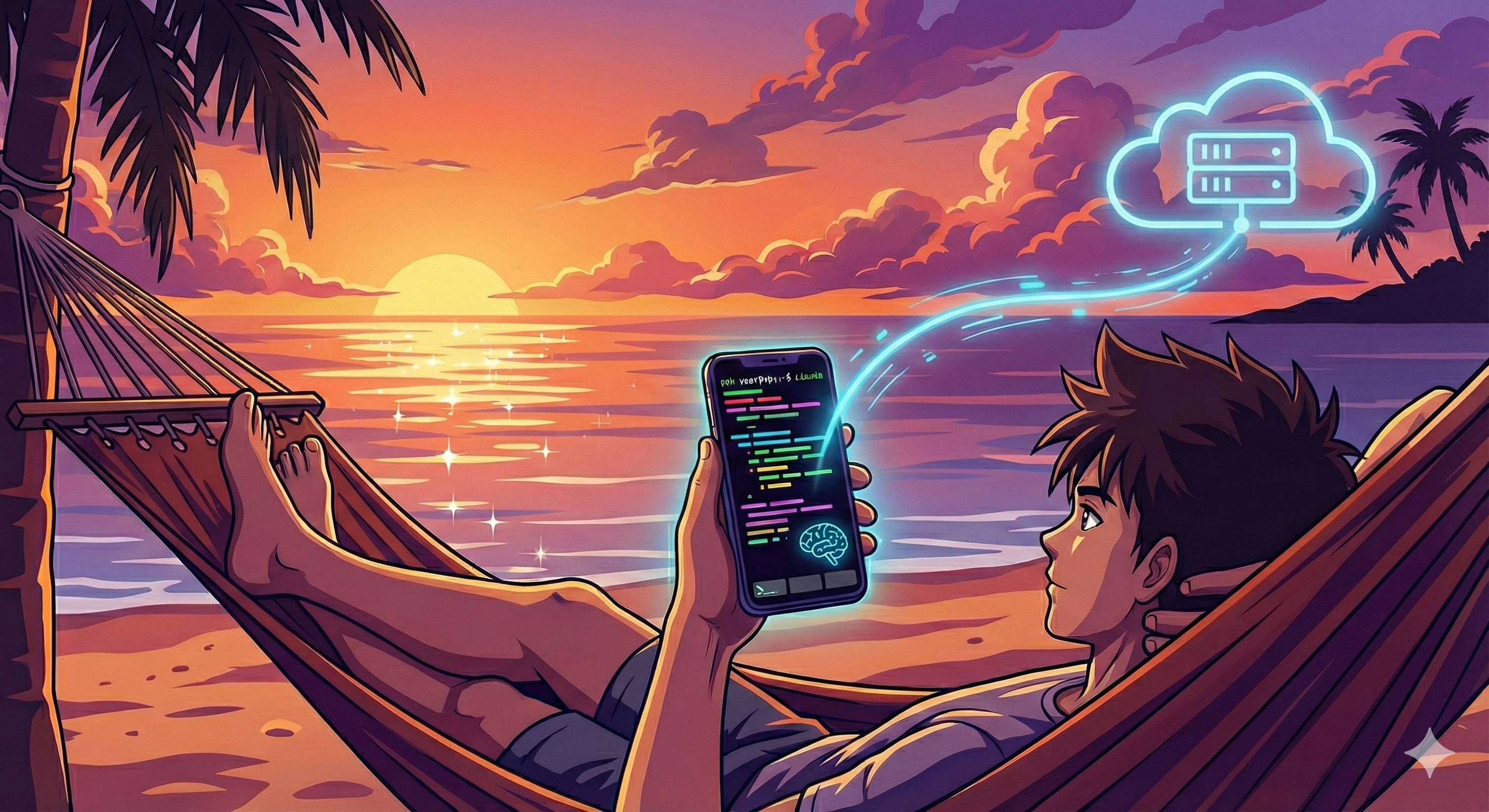
I have been experimenting with Google's Antigravity IDE and so far it's been a lot of fun. However, I think vibe coding lends itself to the possibility of not having to be at your computer to code. This article goes into my setup for vibe coding on mobile devices.
Getting Started
There are relatively few requirements to get started, but you will need the following:
- Termux: Unix shell for iOS
- Tailscale: Zero config VPN for secure access
- Gemini CLI: AI assistance in your terminal
Quick Setup
- On Host Machine: Install Gemini CLI on your host machine. Then install Tailscale and login.
- On Phone: Install Termius and Tailscale.
- On Tailscale App: On the Tailscale app, connect to your VPN.
- SSH into Host Machine: Open Termius and connect to your host machine via SSH.
Appendix
- If your machine is not always on, you can use a VPS (a Virtual Private Server like DigitalOcean) to host your Gemini CLI workflow.